
What Does Data Roaming Mean on Your Phone?
Seen "Data Roaming" in your settings, an R next to your signal bars, or a welcome text from your carrier? Here's what each one means — and when it actually costs money.
Quick answer
- Data roaming means using mobile internet on a network that isn't your carrier's own — usually abroad.
- The Data Roaming switch decides whether your phone may use data on those networks; it doesn't set the price.
- An R or roaming indicator means you're connected to another network — not necessarily that you're being charged.
- Carrier welcome texts are often the clearest summary of what roaming will cost you on that trip.
What does data roaming mean? The short answer
Data roaming means your phone is using mobile internet through a network that isn't run by your own carrier. You'll mostly see it when traveling abroad, because your carrier's network stops at the border and your phone has to use a partner network instead.
The word "roaming" simply describes moving outside your home network. "Data" means it's about internet use, as opposed to calls and texts. For the bigger picture — costs, settings and alternatives — see our complete guide to data roaming, or follow the technical journey in how data roaming works.
What the "Data Roaming" setting means
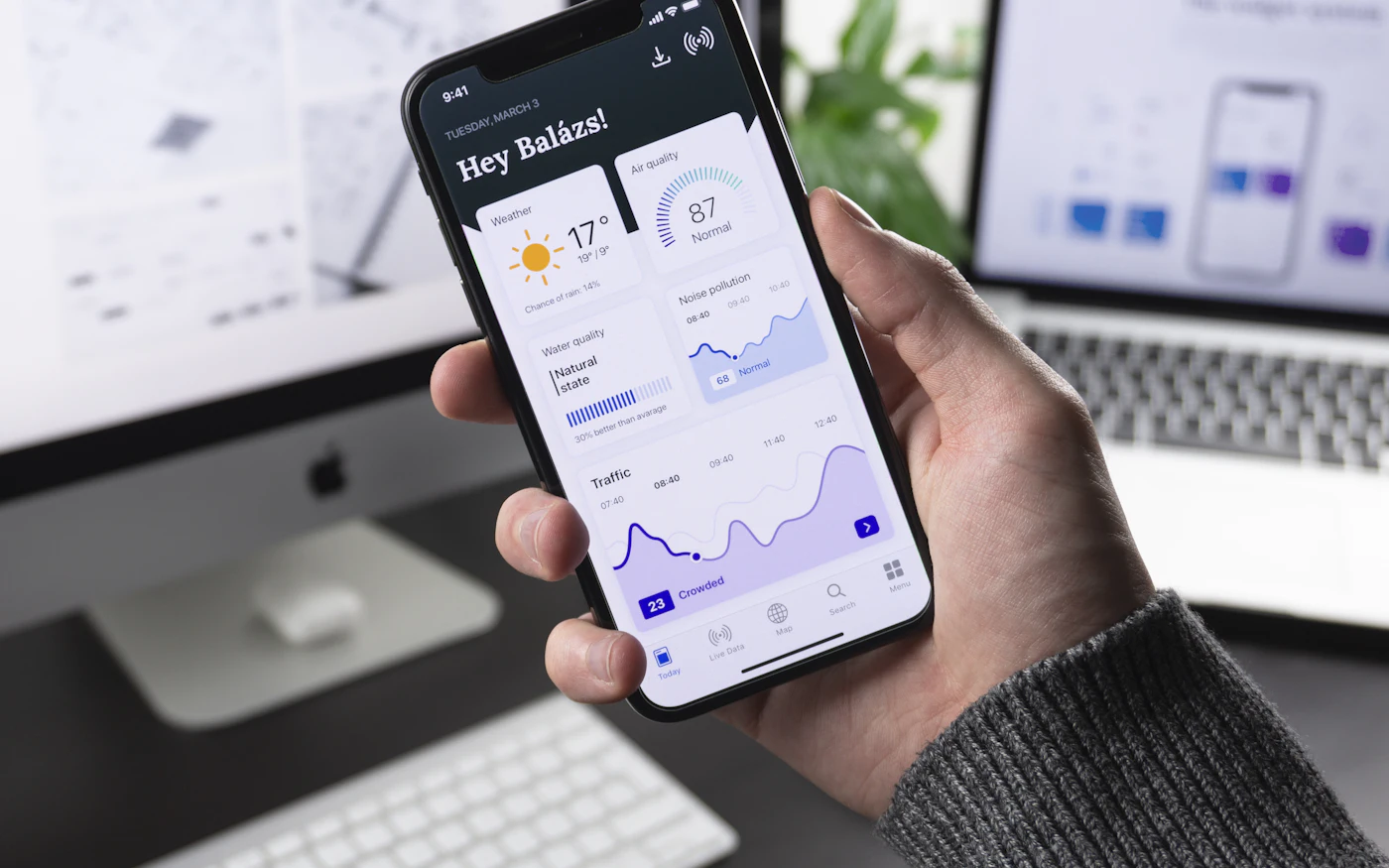
Most phones have a switch labelled Data Roaming (or just Roaming on some Android phones). It does one thing: it allows or blocks mobile data when your phone is connected to a network other than your carrier's.
- On: your phone may use mobile data abroad, under your carrier's roaming terms.
- Off: your phone won't use mobile data on foreign networks. Wi-Fi still works.
The setting doesn't decide the price — your carrier does. It's also separate from the main mobile data switch, which we compare in data roaming vs mobile data.
| Where to find it | Path |
|---|---|
| iPhone | Settings → Cellular → Cellular Data Options → Data Roaming |
| Samsung Galaxy | Settings → Connections → Mobile networks → Data roaming |
| Google Pixel | Settings → Network & internet → SIMs → Roaming |
Step-by-step instructions are in how to turn off data roaming and how to turn it on.
What the roaming symbols mean
Phones show roaming in different ways:
| What you see | What it usually means |
|---|---|
| An R next to or above the signal bars (many Android phones) | You're connected to a network other than your home network |
| A triangle or roaming icon in the status bar | Same as above, depending on manufacturer |
| A different network name in the status bar or Control Center | Your phone has joined a partner network abroad |
| "SOS" or "Emergency calls only" | No usable network is available for your SIM — roaming isn't working |
On an iPhone there isn't always a dedicated roaming icon. Instead, you'll usually see the name of the local network you're connected to.
A roaming icon isn't a bill
Seeing a roaming indicator means you're connected to another network. Whether you're charged depends on your plan, what you use, and whether data roaming is switched on.
What carrier "welcome" messages mean
Shortly after you land abroad, many carriers send an SMS. These usually say one of the following:
- "Welcome to [country]. Roaming rates apply…" — a summary of prices for calls, texts and data in that country.
- "Your daily pass is now active" — a daily charge has started because you used your phone abroad.
- "You've used 80% of your roaming allowance" — a usage warning.
- "Data roaming has been blocked to protect you from high charges" — a spending limit has been reached.
Read these messages carefully. They're often the clearest summary of how you'll be charged on that trip. Our guide to data roaming charges explains each pricing model.
Roaming terms you might see
| Term | What it means |
|---|---|
| Home network | Your carrier's own network |
| Visited or partner network | The local network you connect to abroad |
| Roaming agreement | The contract that lets you use the visited network |
| Fair-use policy | Limits on how much roaming you can use at domestic rates on some plans |
| Roam Like at Home | EU/EEA rules that generally let customers use their domestic allowance within the region |
| Domestic or national roaming | Using another network in your own country, where your carrier has no coverage |
Rules differ between regions — our guide to international data roaming covers the EU, the UK, border areas and cruise ships.
Does data roaming mean I'm being charged?
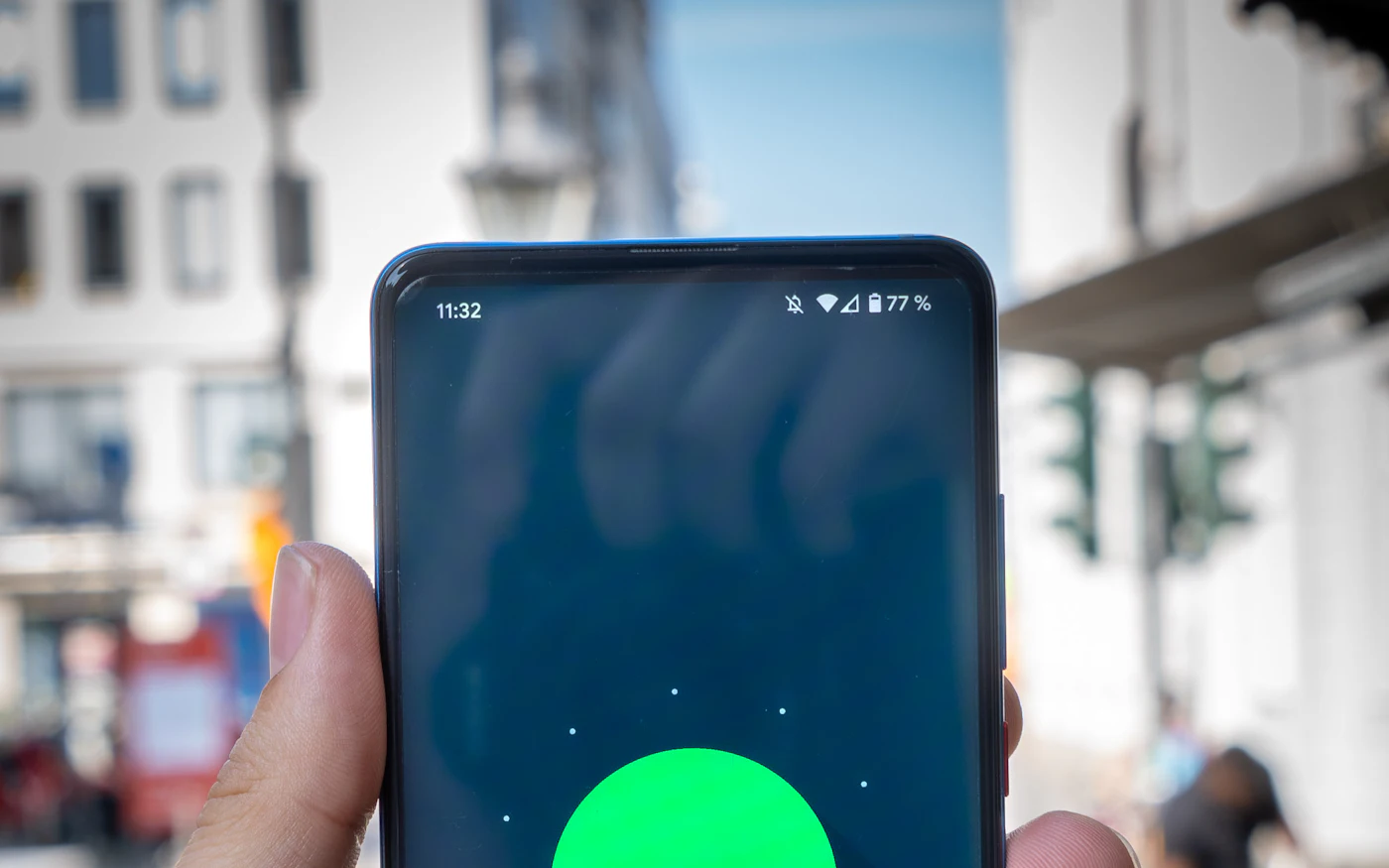
Not necessarily. It means your phone is *able* to use data on another network. You're only charged if you use data and your plan doesn't include roaming in that country — or if you're on a daily pass that a single app refresh can trigger.
- Included roaming: you use your normal allowance at no extra cost, sometimes with a cap.
- Daily pass or bundle: a set fee once you start using data.
- Pay-per-use: you pay for every megabyte — the model behind most surprise bills.
Want to keep costs predictable? Use our checklist for avoiding roaming charges.
What data roaming means for a travel eSIM
This surprises many people: travel eSIMs often need data roaming switched on for the eSIM line. That's because the eSIM's issuing operator usually connects you through a local partner network — technically a roaming connection, but paid for by your prepaid eSIM plan, not your home carrier.
The safe setup on a dual-SIM phone is roaming off on your home line and on for the eSIM line. We explain why in eSIM roaming explained, and compare the two approaches in data roaming vs eSIM.
The bottom line
Data roaming just means your phone is using — or is allowed to use — mobile data on a network that isn't your carrier's. The switch controls permission, your carrier controls the price, and icons and welcome texts tell you what's happening. Check your carrier's terms before you travel, then decide whether to roam, rely on Wi-Fi or use a travel eSIM for your destination.
More questions? See our data roaming FAQ or browse all roaming and eSIM guides.
Frequently asked questions
What does the R mean next to my signal bars?
On many Android phones, an R means you're roaming — connected to a network that isn't your carrier's own. It doesn't by itself mean you're being charged.
What does data roaming mean on an iPhone?
It's the setting that allows your iPhone to use mobile data on networks outside your carrier's network. Find it under Settings → Cellular (or Mobile Data) → Cellular Data Options.
Is data roaming the same as mobile data?
No. Mobile data is the main switch for cellular internet. Data roaming is an extra permission that applies only on networks outside your home network.
Does seeing a roaming icon mean I'm being charged?
No. It means you're connected to a partner network. Charges depend on your plan, whether data roaming is on, and what you actually use.
Why does my travel eSIM need data roaming on?
Most travel eSIMs connect through partner networks, so your phone treats the eSIM line as roaming. The data is paid for by your prepaid eSIM plan, not your home carrier.
Next step
See how roaming works
Curious what happens behind the scenes when your phone roams? Follow the connection step by step.
See how roaming worksData Roaming Editorial Team
We write practical, plain-English guides about using your phone abroad. Roaming prices and rules change, so we update guides regularly — always confirm current terms with your carrier. About our editorial approach
 Spain
Spain Italy
Italy Japan
Japan USA eSIM
 France eSIM
 Dubai eSIM
 UK eSIM
 Turkey eSIM