
How Does Data Roaming Work? What Happens When Your Phone Connects Abroad
A step-by-step look at what happens between landing abroad and loading your first web page — and why it affects your speed, your location online and your bill.

Quick answer
- Your phone joins a local partner network, which checks with your home carrier that you're allowed to roam.
- The Data Roaming switch decides whether your phone asks that network for a data connection at all.
- Roaming data is often routed back through your home carrier, so websites may see a home-country IP address.
- The visited network records your usage and passes it to your home carrier, which bills you under your plan's roaming terms.
How does data roaming work? The short answer
When you roam, your phone borrows a local network abroad while your home carrier stays in charge of who you are, what you can use and what you pay. The local network carries your data; your carrier approves the connection and sends the bill.
That arrangement only works because carriers sign roaming agreements with operators in other countries. If you're new to the term itself, start with what data roaming is, or see what data roaming means on your phone for the settings and icons.
Who's involved when you roam
| Part | What it does |
|---|---|
| Your SIM or eSIM | Holds your subscriber identity and tells your phone which carrier you belong to |
| Your home carrier | Confirms you're a real customer, decides which services you can use and bills you |
| The visited network | The local operator abroad that your phone actually connects to |
| Roaming agreement | The contract that lets the two operators work together and settle costs |
| Your phone's settings | Mobile data and Data Roaming switches that allow or block data abroad |
Keep those five parts in mind — every step below is a conversation between them.
Step 1: Your phone looks for a network
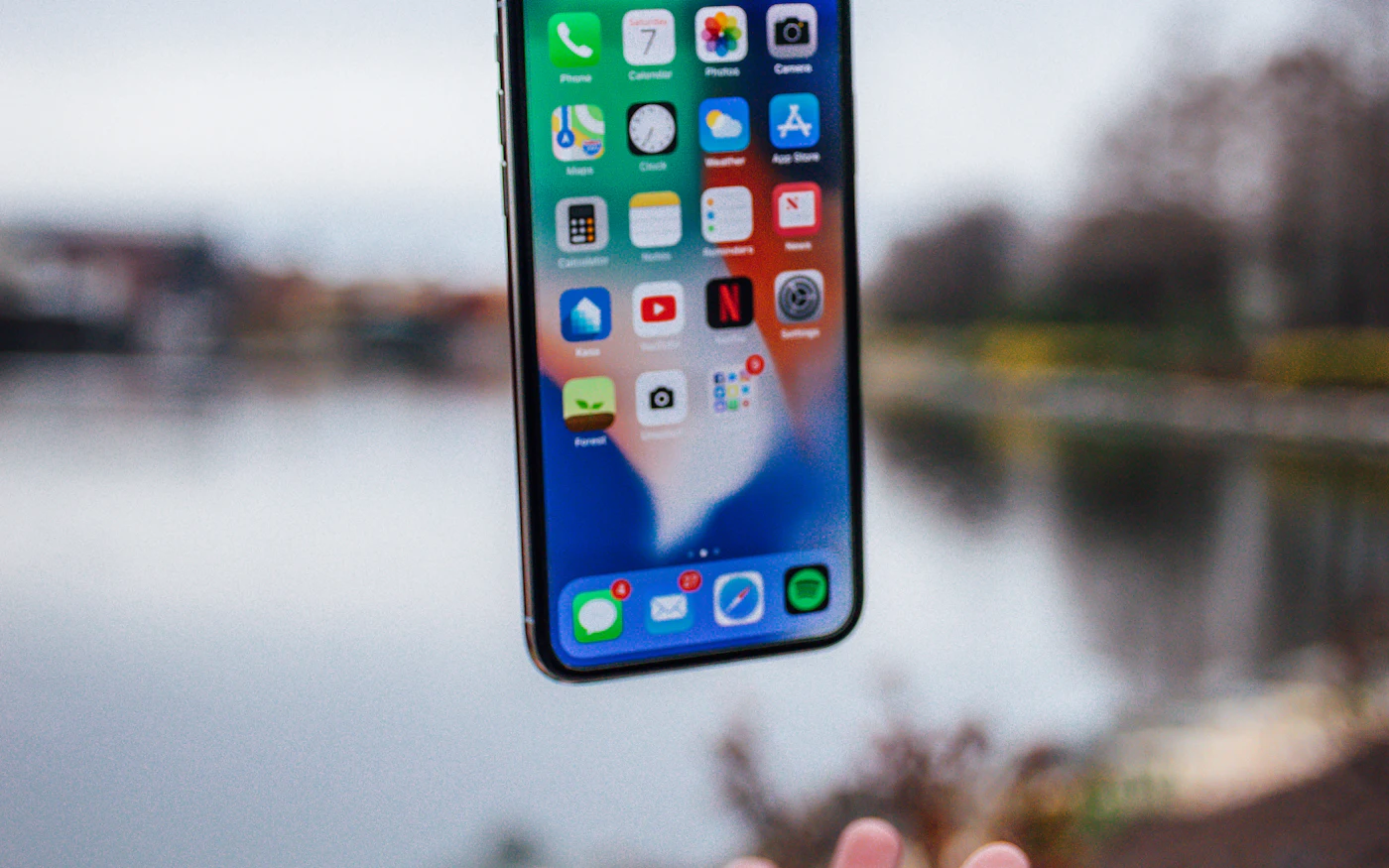
When you switch off airplane mode after landing, your phone scans for nearby mobile networks. It can't find your home carrier's network, so it looks for one it's allowed to use instead. Your SIM or eSIM profile often contains a list of preferred partner networks for each country.
Carriers sometimes prefer particular partners for cost or quality reasons — a practice called steering of roaming. That's why your phone may join one network even when another seems to have a stronger signal. You can usually pick a network yourself under manual network selection, but only partners your carrier works with will accept you.
Step 2: The visited network checks with your home carrier
The local network doesn't know you, so it asks your home carrier. Using the identity stored on your SIM, the two networks exchange signalling messages — usually through specialist roaming hubs — to confirm:
- that you are a genuine customer,
- that international roaming is enabled on your account, and
- which services you can use, such as data, voice, SMS, 4G or 5G.
If your carrier hasn't enabled roaming on your account, or has no agreement with that network, registration fails. Your phone may then show "No service" or "SOS only" and try another network. Once registration succeeds, your carrier often sends a welcome text with its roaming prices for that country — worth reading before you open any apps.
Step 3: A data session opens — if you allow it
Being registered on a network isn't the same as using data. When an app needs the internet, your phone asks the visited network for a data connection.
- With Data Roaming on, the phone makes that request and the network opens a data session for you.
- With Data Roaming off, the phone simply doesn't ask. You stay registered for calls and texts, but no mobile data flows.
That's why the switch protects you from roaming data charges, and why it isn't the same thing as the mobile data switch — see data roaming vs mobile data for the difference. Step-by-step instructions are in how to turn off data roaming and how to turn it on.
Step 4: Your data travels — often via home
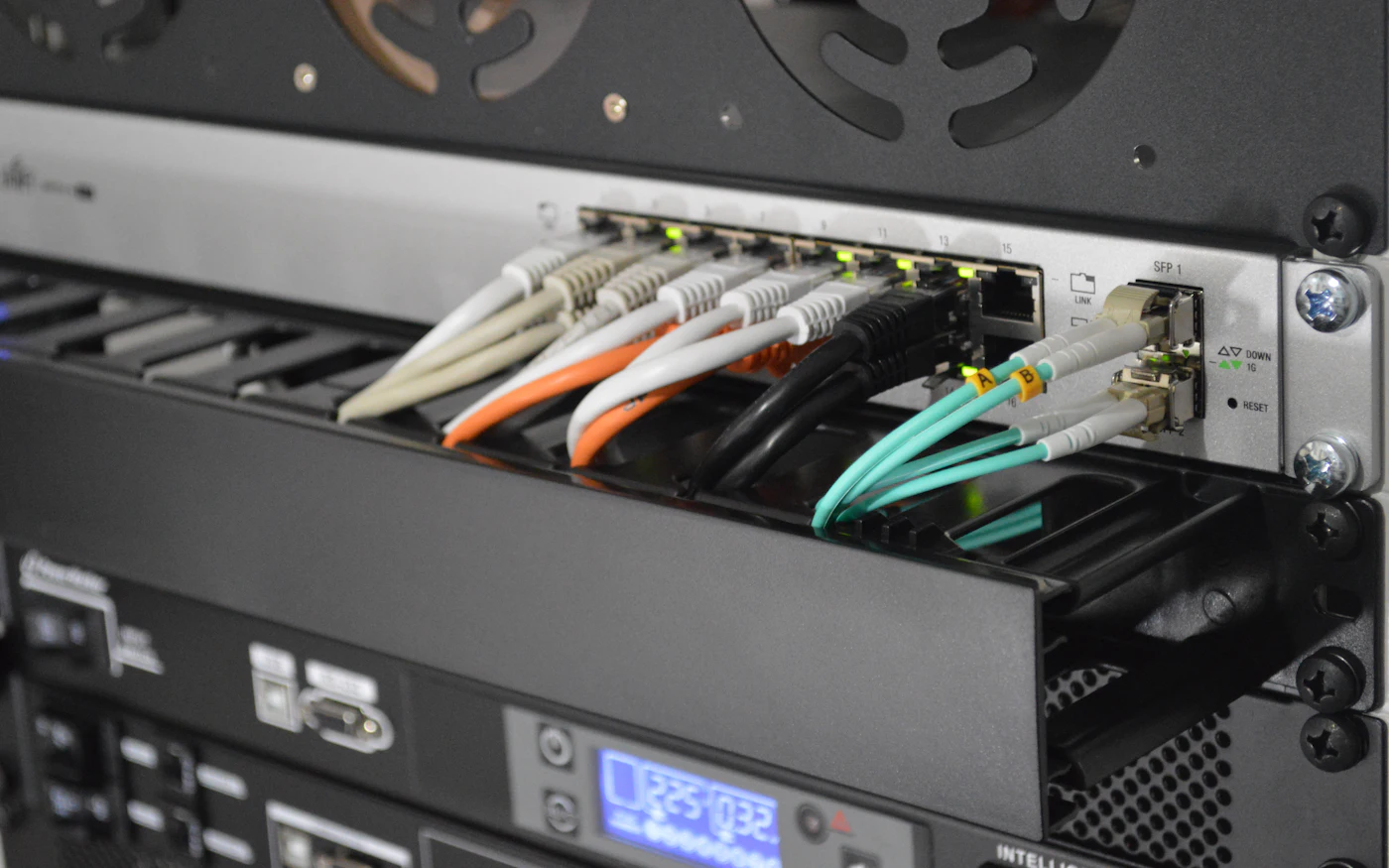
In the most common setup, called home routing, your data is carried in a secure tunnel from the visited network back to your home carrier's core network, and only then out to the internet. Some carriers and many travel eSIM providers use local breakout instead, where data reaches the internet from the visited country or a regional hub.
| Home routing | Local breakout | |
|---|---|---|
| Where your data reaches the internet | Your home country | The visited country or a nearby hub |
| What websites see as your location | Usually your home country | Usually the country you're in |
| Typical latency | Higher — data travels home and back | Often lower |
| Who applies filters and speed limits | Your home carrier | Depends on the provider |
This is why your favourite apps may still show your home country's content while you're abroad, and why video calls can feel slightly delayed on some roaming connections.
Step 5: Usage is recorded and billed
The visited network records each data session: how much was used, when, and on which network. These records are exchanged between operators — often through clearing houses — and used to settle wholesale costs. Your home carrier then applies its own retail rules: taking it from an included allowance, charging a daily pass, or billing per megabyte.
Because records pass between companies, roaming usage can appear in your carrier's app with a delay. Don't rely on a real-time counter if you're close to a limit. Our guide to data roaming charges explains the pricing models, and mobile data abroad helps you estimate how much you'll actually use.
What you see on your phone
The steps above show up on your screen in small ways:
- The network name changes to the local operator, sometimes with your carrier's name alongside it.
- A roaming indicator — an "R" near the signal bars on many Android phones, or a note in the network settings on iPhone.
- A welcome text from your carrier, often listing prices or confirming an active pass.
- "SOS only" or "No service" if registration failed in Step 2.
Each of these is explained in what data roaming means on your phone.
Why roaming speeds vary
Roaming speeds depend on:
- the partner network's coverage and congestion where you are,
- which technologies the roaming agreement includes — some only cover 4G, not 5G,
- speed caps set by your carrier or plan, and
- the extra distance when data is home-routed.
If speed matters for your trip, check whether your carrier's roaming agreement in that country includes 5G, and compare it with a travel eSIM for your destination.
Roaming near borders, at sea and in the air
The same process runs wherever your phone finds a partner network — even when you didn't expect it to:
- Near borders, your phone may join a neighbouring country's network before you've crossed.
- On cruise ships and ferries, it may connect to a maritime network that's billed separately.
- On planes, in-flight mobile services also use their own networks and pricing.
Our guide to international data roaming covers these cases, plus the rules in the EU and UK.
How travel eSIMs use the same system
A travel eSIM works the same way in principle — it just gives you a different "home carrier". The eSIM's issuing operator has its own roaming agreements, so your phone still joins a local network and still uses data roaming. The difference is who you pay: a prepaid data plan from the eSIM provider instead of your regular carrier's roaming rates.
That's also why travel eSIMs usually ask you to turn Data Roaming on for the eSIM line. We explain it in eSIM roaming explained, compare costs in data roaming vs eSIM, and cover the difference between country, regional and global eSIMs.
How to fix mobile data that won't work abroad
- Check that mobile data is on and airplane mode is off.
- Turn on Data Roaming for the line you want to use — your home SIM or your travel eSIM.
- Restart your phone so it registers on the local network again.
- Select a network manually in your network settings and try a different partner operator.
- Check that roaming is enabled on your account in your carrier's app, or that your eSIM plan is active.
- Contact your carrier or eSIM provider if none of these work — they can see whether your phone registered.
The bottom line
Data roaming is a handshake between two companies: a local network that carries your data and a home carrier that approves it and bills you. Knowing the steps explains the everyday things travelers notice — the network name changing, websites thinking you're still at home, and usage showing up late. Before you travel, check your carrier's roaming charges for your destination, then decide whether to roam, use Wi-Fi or use a travel eSIM.
More questions? See our data roaming FAQ or browse all roaming and eSIM guides.
Frequently asked questions
How does data roaming work in simple terms?
Your phone connects to a partner network abroad. That network checks with your home carrier that you're allowed to roam, carries your data, and reports your usage back so your carrier can bill you.
Why does my IP address show my home country when roaming?
Most roaming data is home-routed: it's tunnelled back to your home carrier's network before reaching the internet, so websites see your carrier's home-country IP address.
Why does my phone say SOS only abroad?
Your phone couldn't register on a network your SIM is allowed to use. Roaming may not be enabled on your account, or there may be no partner network where you are.
Is roaming slower than using a local network?
It can be, because of speed caps, the network technologies included in the roaming agreement, and the extra distance when data is routed via your home country.
Does a travel eSIM use data roaming?
Usually, yes. Most travel eSIMs connect through partner networks, so Data Roaming must be on for the eSIM line. You pay the eSIM provider's prepaid price, not your carrier's roaming rates.
Next step
Learn how roaming is billed
Now that you know where usage records come from, see the pricing models carriers use — and how to estimate your trip's cost.
Learn how roaming is billedData Roaming Editorial Team
We write practical, plain-English guides about using your phone abroad. Roaming prices and rules change, so we update guides regularly — always confirm current terms with your carrier. About our editorial approach


 Germany
 USA
USA Japan
Japan France eSIM
 Spain eSIM
 Italy eSIM
 Dubai eSIM
 UK eSIM
 Turkey eSIM